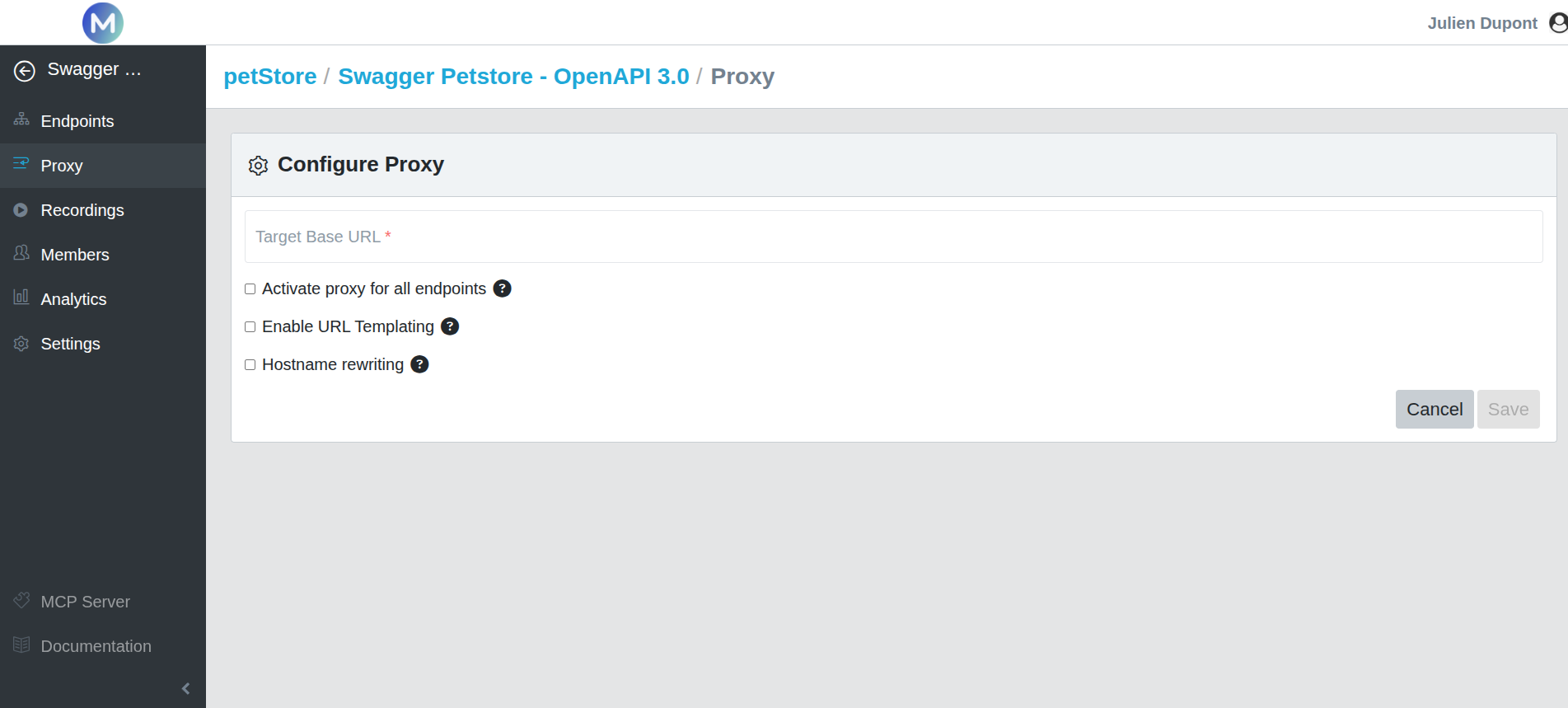
Development teams often need to alternate between simulated APIs and live services during different stages of a project. Mockinarium’s Proxy Mode acts as an intelligent intermediary, intercepting API requests and routing them to either mock or live endpoints, allowing teams to test, validate, and develop without changing their applications.
Route API requests dynamically between mock and live services
Proxy Mode gives you full control over how API requests are handled, making it easy to switch between simulated and production-like environments as your project evolves.
Intercept API requests without changing your application
Mockinarium sits between your application and your APIs, intercepting incoming requests and deciding whether they should be forwarded to a simulated endpoint or a live service. This approach minimizes configuration changes while simplifying development and testing.